
No products in the cart.
Multi-Factor Authentication
What is Multi-Factor Authentication (MFA)?
Multi-Factor Authentication (MFA) is an essential security measure that adds an extra layer of protection to your online accounts and network access. Instead of relying solely on a password, MFA requires two or more verification factors, significantly reducing the risk of unauthorised access. Cybercriminals often exploit weak or stolen passwords, making MFA a critical defence against hacking attempts, phishing attacks, and unauthorised breaches. Read More
Knowledge
Something you know, such as a password or PIN.
Possession
Something you have, like a security badge, smartphone, or authentication device.
Inherence
Something you are, such as biometric data like fingerprints or voice recognition.
By combining multiple authentication methods, MFA strengthens your cybersecurity, safeguarding sensitive data, personal information, and financial assets. Popular MFA solutions include push-based authentication, QR code-based authentication, one-time password (OTP) authentication (event-based and time-based), and SMS verification.
As cyber threats continue to evolve, implementing MFA alongside a secure firewall, end-to-end encryption, and network security solutions ensures your data remains protected. Stolen credentials are a leading cause of cyber breaches—don’t become a victim. Setting up MFA takes less than five minutes but can protect your digital identity for a lifetime.
81% of passwords are weak enough to be broken within the first 5 minutes and stolen.
- Something the user knows, like a username, password, security question/answer, or PIN.
- Something the user owns, like a smartphone (via a notification or text), hardware token, or pin pad.
- Something inherent about the user, like a fingerprint, retina scan, or voice recognition.
- The user’s location, only allowing access to those in certain physical locations, or using specific IP addresses.
- A time-bound verification, only allowing entry to those authenticating within a certain time window.
Multi-factor authentication can give you remarkable peace of mind in the battle against hacking and the social engineering behind phishing attempts.
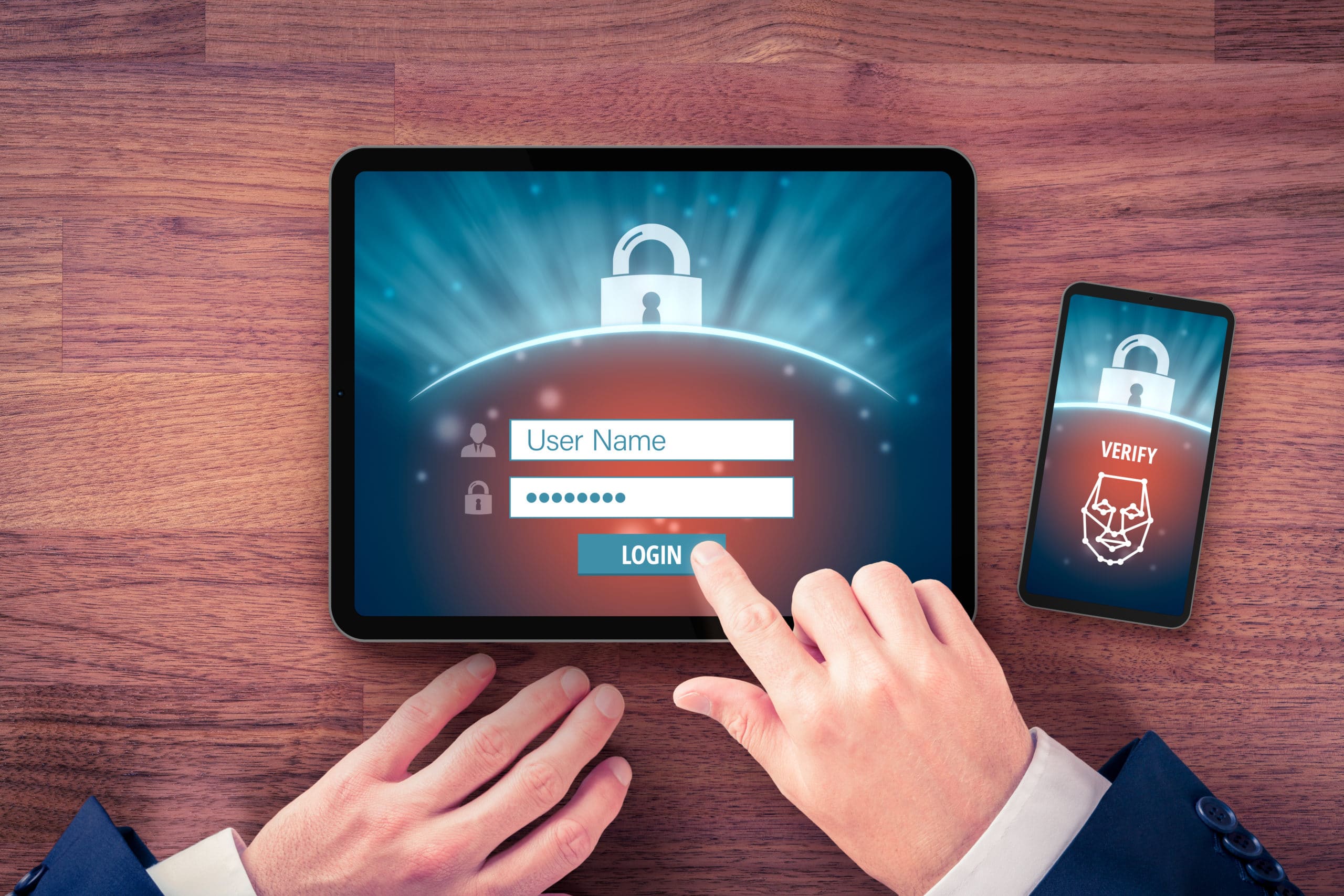
AuthPoint- Multi Factor Authentication
Each login uses multi-factor authentication and is recorded in the cloud platform, forming an auditable log of successful logins and unsuccessful attempts.
There are three ways (factors) to authenticate through the AuthPoint app
The QR code method is the most secure in our estimation because a would-be hacker has to physically have your phone to scan the QR code.
AuthPoint can be used as an extra authentication step for most types of digital login.
Push Notifications
One Time Pass Codes (OTPs)
This requires the user to open the app and retrieve a time-restricted 6-digit code.
QR Code Authentication
This requires the person to use the AuthPoint app to scan a unique QR code displayed on the PC screen.